Before the meeting:
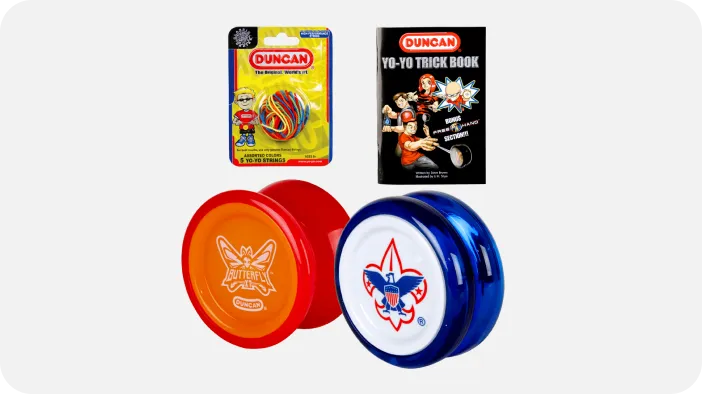
- Gather supplies.
- Use the tutorial video on the Yo-Yo Preview Adventure website and the video How to be a Yo-Yo Ninja: Getting Started, (1:36 minutes)
- Set up meeting space with room for Cub Scouts to use their yo-yo.
During the meeting:
- Give each Cub Scout a yo-yo and a yo-yo string. One end of the yo-yo string is twisted, and the other end has a loop.
- If the Cub Scouts be keeping the yo-yos, each yo-yo should be marked with the Cub Scout’s name or initials.
- Have each Cub Scout untwist the twisted end so that it can slide over the yo-yo and attach to the axle.
- Have each Cub Scout hold on to the string and let the yo-yo go all the way down to the floor.
- With the yo-yo on the floor and the string in hand, the Cub Scout should put the string where the belly button is; this will be the proper length for the string.
- Keeping one finger on the belly button, have the Cub Scout loop the string around that finger.
- Then have the Cub Scout tie an overhand knot on a bite to form a loop.
- Use scissors to cut off any extra string.
Tip: This activity works best when combined with activities for Requirements 3, 4 and 6.